 Wispjar
A brain dump app for iPhone
A place for everything on your mind.
An unfinished conversation. Something you need to remember. A small worry that keeps coming back. When they all arrive at once, Wispjar gives you somewhere to put them.
Start with whatever is taking up the most room. It does not need a title, a category, or a next step before you can say it.
Download on the App StoreFree to download. Some features require a subscription.
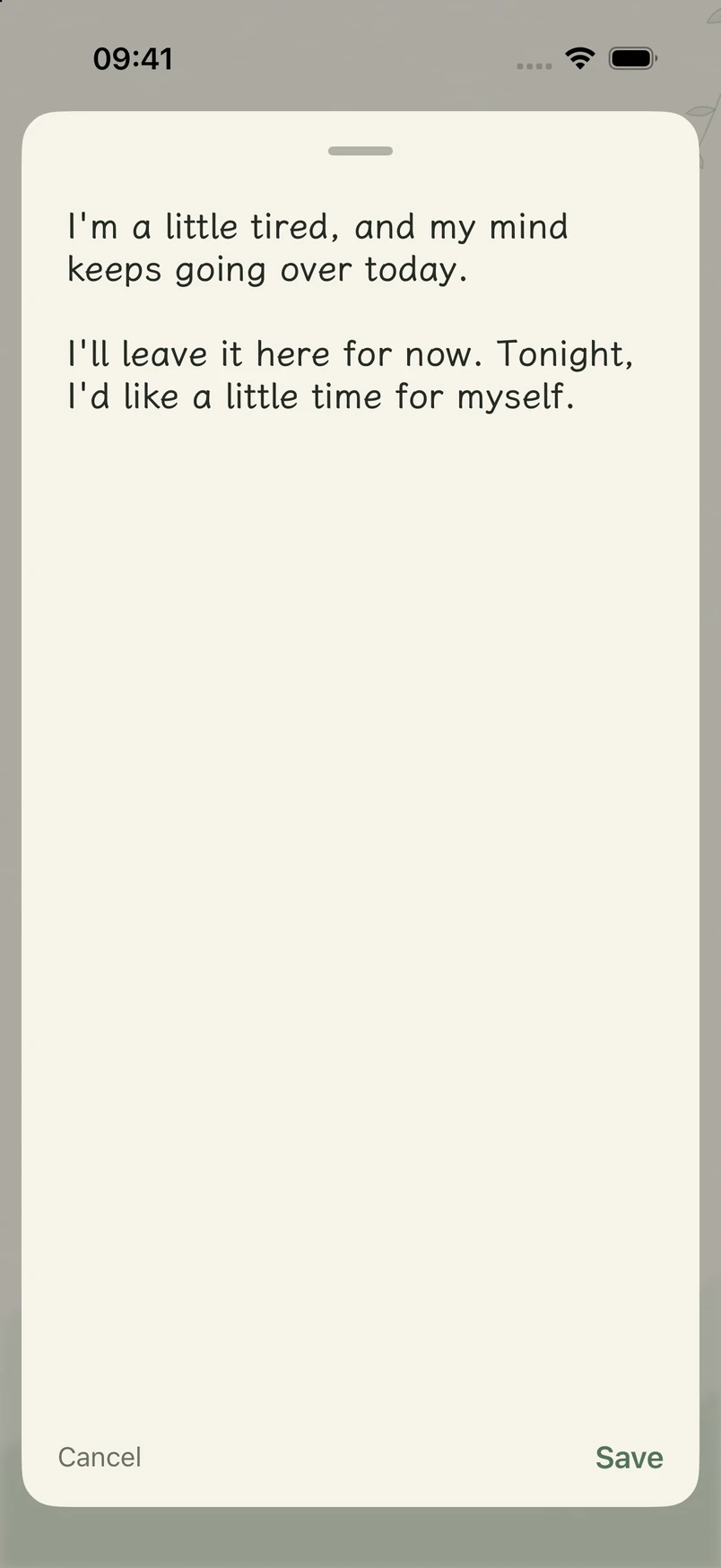
Let one thought land.
Say it or write it.
Open Wispjar and choose voice or text. A sentence is enough; a longer, untidy train of thought is welcome too.
Save it without sorting.
Written thoughts go into your timeline. Spoken thoughts become saved entries after processing. You do not have to turn either into a task or put it in a folder.
Come back on your terms.
Leave the thought there and return to your day. Later, browse your timeline or search for words you remember.
A brain dump can stay a brain dump.
Some things you write down will become decisions. Others may simply be feelings you wanted to name. Wispjar keeps them together in time order, without asking you to decide what each one is for.
If you want to reflect later, Thought Echo and Pocket Letter can offer connections across saved thoughts. These optional AI features require your consent, an active entitlement, and suitable synced thoughts. A connection may not appear, and AI can misunderstand what you meant.
You can use the basic recording and local review features without an active subscription. Putting a thought here is an invitation to pause, not a promise that an app will resolve the worry behind it.
Read how your thoughts are stored and processed · Get help with Wispjar
A few things to know.
Do I need to organize my brain dump afterward?
No. Saved thoughts already have a place in your chronological timeline. You can revisit, edit, or search them when that is useful, without a separate sorting session.
Can I mix ideas, feelings, and reminders?
Yes. Wispjar is a place for what is on your mind, even when it does not fit one category. It does not automatically turn your entries into a to-do list or a schedule.
What if I do not want AI to read my thoughts?
You can record and review locally without enabling cloud or AI features. Signing in alone does not enable sync. Review the disclosure before choosing to share content for cloud processing.
Start with what is on your mind.
Download on the App StoreAnother way to begin