 Wispjar
Voice journaling for iPhone
You can say it before you know how to write it.
Sometimes typing is the part that keeps you from starting. With Wispjar, you can speak in your own words, pause, change your mind, and leave the sentence unfinished.
Find a moment where you feel comfortable speaking. Start with “What is on my mind is…” and let the next words be ordinary.
Download on the App StoreFree to download. Some features require a subscription.
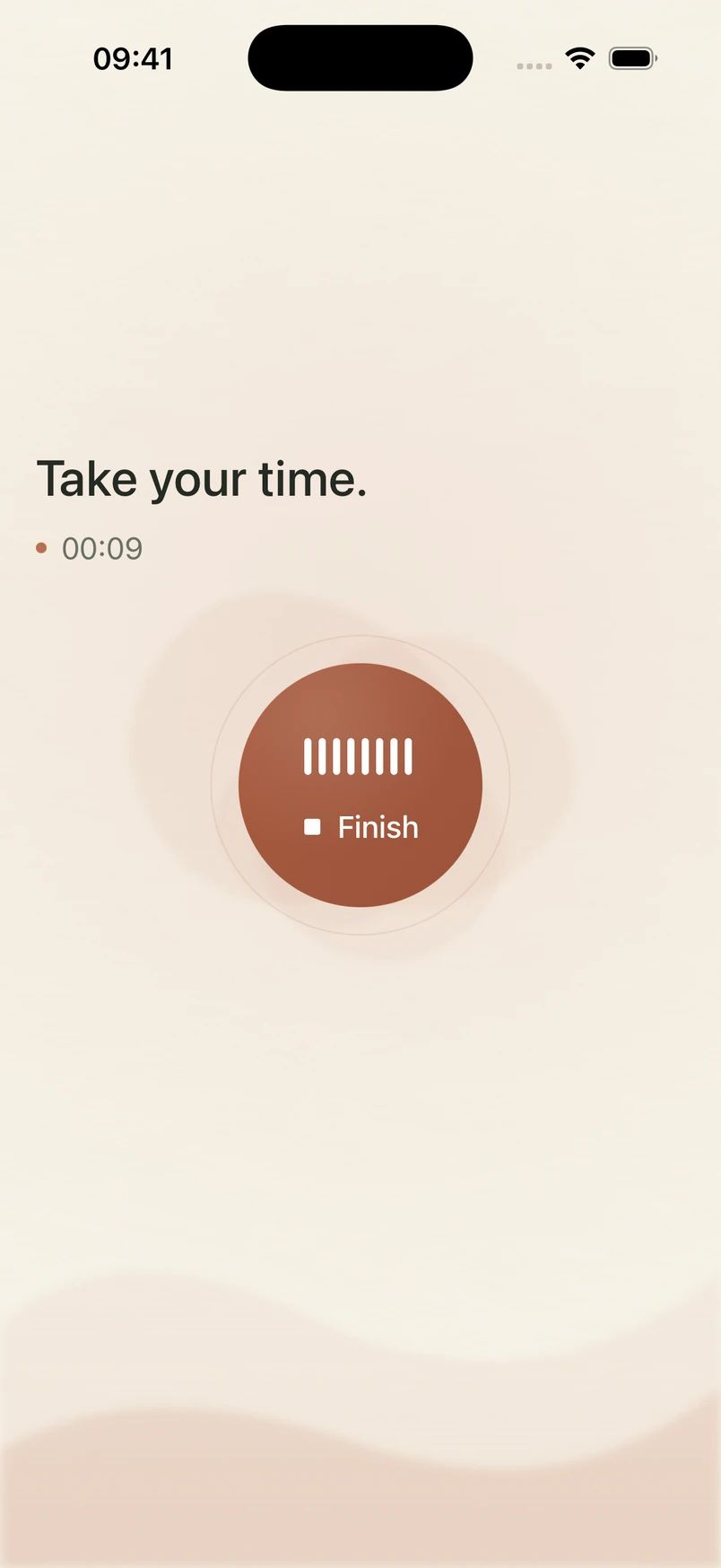
From a spoken thought to a saved entry.
Start a recording.
Choose the voice entry point in Wispjar and allow microphone access when asked. Speak naturally; you do not need a script or a daily prompt.
Let the words finish processing.
End the recording and allow time for transcription. Saving is not always instant. Keep the original audio if processing has not finished; you can use device transcription if cloud transcription is unavailable.
Read, listen, or edit later.
Find the saved thought in your timeline. Revisit the audio or text, and correct words if transcription missed what you said.
Know where your voice goes.
Original recordings stay on your device unless you enable sync. Device transcription may use Apple services when on-device recognition is unavailable. An internet connection may therefore be needed.
With your consent and an active entitlement, new recordings can be sent for cloud transcription. Signing in does not enable cloud sync by itself. The app explains what will be shared before you enable cloud and AI features.
Transcription can take time and can get words wrong. You can edit a saved entry yourself, or write instead whenever speaking is inconvenient. A voice journal does not need to be a perfect transcript to hold a moment you want to return to.
Read how your thoughts are stored and processed · Get help with Wispjar
A few things to know.
Can I type on days when I cannot speak?
Yes. Voice and text are two ways into the same timeline. You can switch between them without keeping separate journals.
Does voice journaling require cloud AI?
Basic recording and local review do not require an active subscription. Device transcription is available; Apple services may be used when on-device recognition is unavailable. Cloud transcription requires consent and an active entitlement.
What should I do if transcription has not finished?
Keep the original recording. Processing can take time. If cloud transcription is unavailable or your allowance has been reached, use the device transcription option. Contact support if the recording remains stuck.
Start with what is on your mind.
Download on the App StoreAnother way to begin